A Tour of the WanzieSend Dashboard for New Users
New to WanzieSend? Take a tour of the dashboard and discover where to manage campaigns, organise templates, review analytics, schedule messages and use WanzieAI.
Originally published by Time Booster Marketing
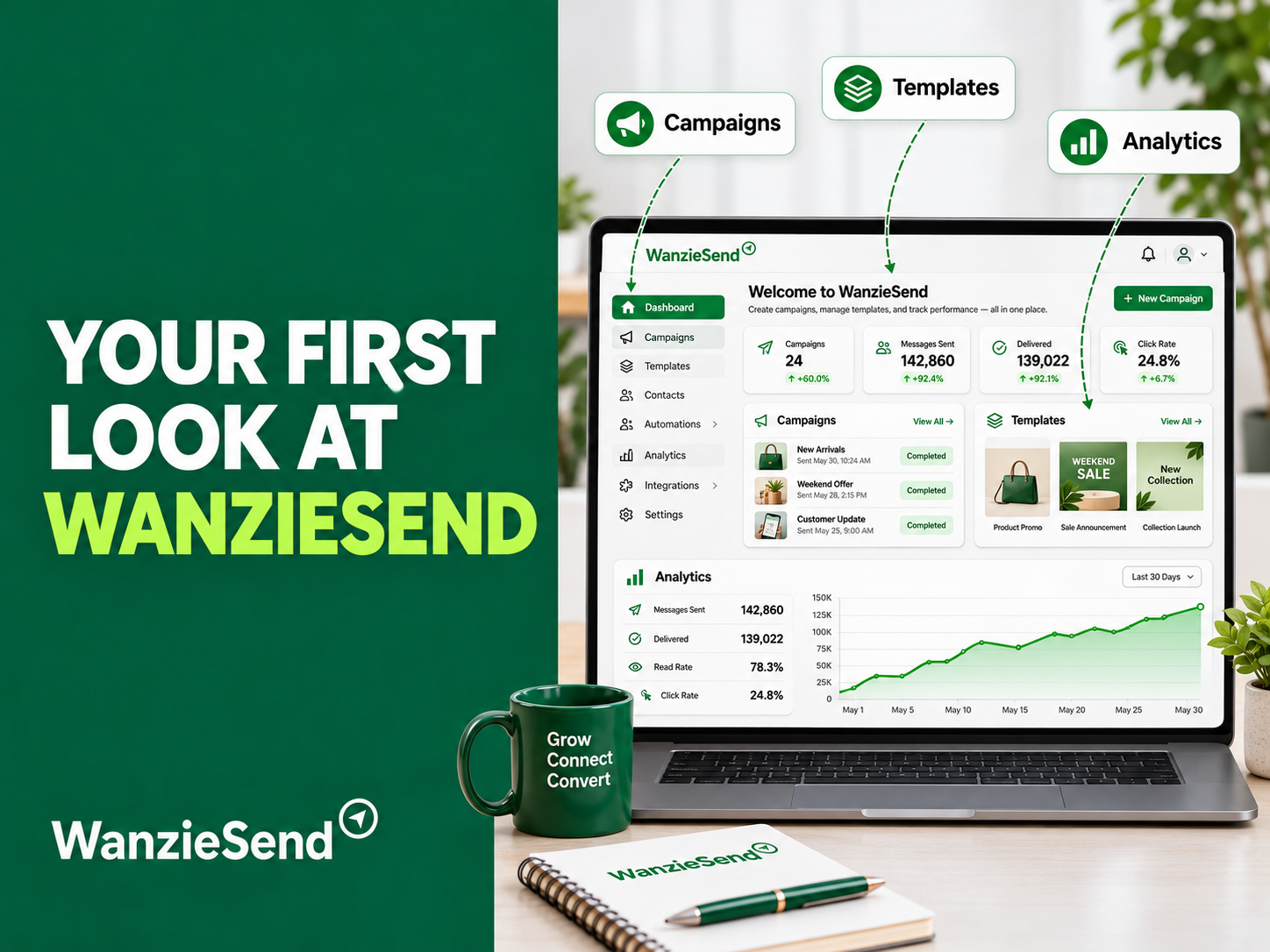
The WanzieSend dashboard gives users a central place to manage their messaging activities, organise campaigns, work with templates and review performance.
If you are new to WanzieSend, understanding the dashboard is a good first step towards creating and managing more effective WhatsApp campaigns.
Here is a closer look at the key areas to explore when you first log in.
1. Your First Look at the WanzieSend Dashboard
After logging in, your first stop is the main dashboard.
Think of it as your campaign management workspace. It provides access to the tools and features you need to organise your messaging activities.
Rather than managing different parts of your communication process separately, the WanzieSend dashboard brings important campaign functions into one platform.
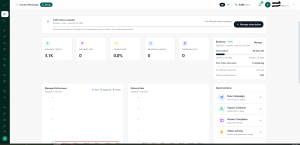
As a new user, take a moment to familiarise yourself with the available navigation options. Identify where you can access campaigns, templates, analytics and other messaging tools.
You do not need to use every feature immediately. Start with the sections that support your first campaign, then explore additional capabilities as your needs grow.
2. Where to Find Your Campaigns
Campaigns are at the centre of your WhatsApp marketing activities.
This is where you organise the messages you want to send to your audience. Whether you are announcing a new product, sharing an offer or sending an important business update, campaigns help you structure your communication.
When exploring the campaign area, pay attention to how campaigns are created, managed and prepared for sending.
Before launching a campaign, make sure you have:
- A clear communication objective.
- A relevant and properly obtained contact list.
- A message that matches your audience’s interests.
- A suitable sending schedule.
- A clear call to action.
Organising campaigns properly helps you maintain consistency and makes it easier to manage multiple messaging activities.
3. Using Templates to Save Time
You do not have to write every WhatsApp message from scratch.
Templates help you prepare reusable messages for communication that happens regularly. For example, a business might need messages for appointment reminders, order updates, customer follow-ups, promotions or service announcements.
Instead of recreating similar messages every time, you can prepare suitable templates and adapt them when needed.
When exploring the template section of the WanzieSend dashboard, consider the types of messages your business sends most frequently.
Create templates that are:
- Clear and easy to understand.
- Consistent with your brand’s tone.
- Relevant to the intended audience.
- Personalised where appropriate.
- Aligned with WhatsApp’s messaging requirements.
Well-organised templates can reduce repetitive work and help your team communicate more consistently.
4. Understanding Analytics and Campaign Performance
Sending a campaign is only one part of WhatsApp marketing. You also need to understand how it performs.
The analytics area helps you review campaign results and assess whether your communication is achieving its intended purpose.
Depending on the reporting available for your campaign, useful performance indicators may include message delivery, read activity, replies and other engagement results.
These insights can help you identify what is working and where improvements are needed.
For example, if a campaign receives deliveries but very little engagement, you may need to review your opening message, audience selection or offer.
Make it a habit to review campaign results after sending. Use what you learn to improve your next campaign rather than repeating the same approach without evaluating its performance.
5. Scheduling and Rich Media: Make Your Campaigns More Engaging
A good campaign is not only about what you send. It is also about when and how you send it.
Scheduling allows you to plan your messaging activities ahead of time instead of preparing every campaign at the last minute.
This is particularly useful for businesses managing promotions, announcements, reminders and recurring communication.
Before scheduling, consider your audience’s location, daily routines and likely availability. Avoid sending messages at inconvenient hours or overwhelming customers with frequent promotions.
Rich media also gives you more ways to communicate.
Instead of relying entirely on text, you can use supported media formats such as images and videos to make your messages more informative and visually engaging.
For example:
- A retail business can showcase a new product.
- A restaurant can share images of its latest menu.
- An event organiser can distribute promotional visuals.
- A service provider can use video to explain an offering.
Choose media that supports your message. A relevant image or video can improve the presentation of a campaign, but it should always have a clear purpose.
6. Where WanzieAI Fits Into Your Workflow
Another feature to explore is WanzieAI.
AI can support the preparation of marketing messages by helping users develop ideas, improve wording and organise content more efficiently.
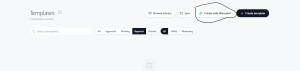
Rather than starting with a blank page every time you need to communicate with customers, AI assistance can help you move from an initial idea to a more structured message.
You can use AI support as part of your preparation process, then review the output before using it in a campaign.
Remember that AI-generated content still needs human judgment. Check that every message reflects your brand, communicates accurate information and speaks appropriately to your audience.
The goal is not to let AI make every marketing decision. It is to use it to make your workflow more efficient.
Start Exploring the WanzieSend Dashboard
Getting familiar with the WanzieSend dashboard is the first step towards managing your WhatsApp communication more efficiently.
Start by exploring the main dashboard, understanding where campaigns and templates are managed, reviewing available analytics, and learning how scheduling, rich media and WanzieAI fit into your workflow.
You do not have to master everything in one day. Begin with a simple campaign, review the results and gradually explore more features as your business grows.
Ready to organise your WhatsApp marketing in one place? Sign up for WanzieSend and explore the tools that can help you plan, manage and improve your business messaging.