25 AI Tools Every Cameroonian Entrepreneur Should Know
AI tools can help Cameroonian entrepreneurs save time, create better marketing content, automate repetitive tasks, research faster, design visuals, manage customers, and build stronger business systems. But the right tool depends on your business stage, budget, team capacity, and workflow.
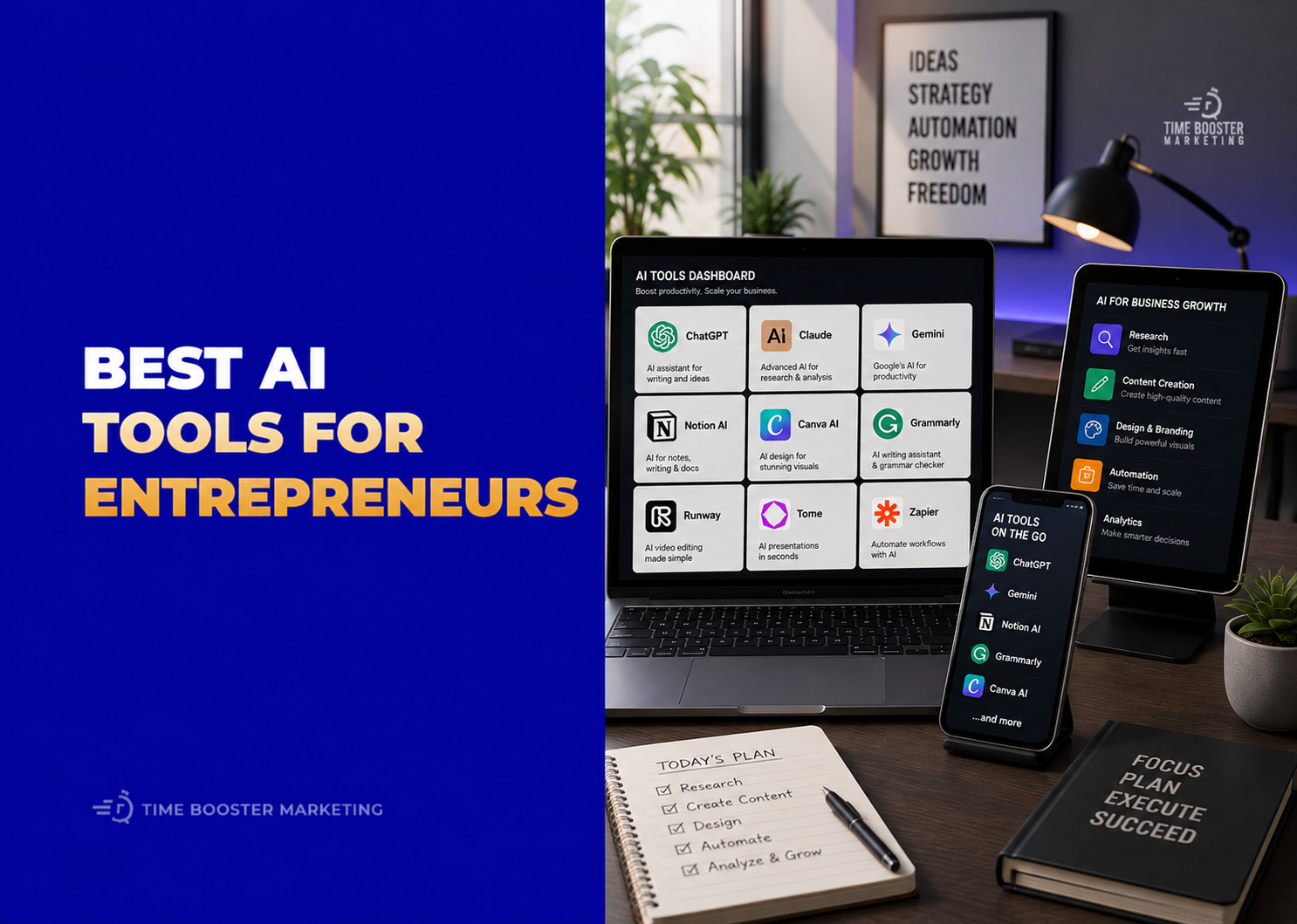
Originally published by Time Booster Marketing
25 AI Tools Every Cameroonian Entrepreneur Should Know
AI tools can help Cameroonian entrepreneurs work faster, but they will not replace business strategy.
A restaurant owner still needs a clear menu and fast WhatsApp replies. A boutique still needs product quality and trust. A consultant still needs expertise. A startup still needs customers, cash flow, operations, and discipline.
AI becomes useful when it supports real business work: writing proposals, researching markets, designing flyers, creating videos, automating follow-up, summarizing meetings, managing leads, building websites, and improving customer communication.
The mistake is collecting tools without a workflow. The goal is not to use 25 tools at once. The goal is to know which tool solves which problem.
How to Choose AI Tools as a Cameroonian Entrepreneur
Before paying for any AI tool, ask:
Does this tool save time on work I already do?
Does it help me get customers, serve customers, or retain customers?
Can my team actually use it every week?
Does it work with my payment method, language needs, and business process?
Does it protect sensitive customer or company data?
AI tools change quickly, so always check pricing, availability, country support, integrations, and data policies before subscribing.
1. ChatGPT

ChatGPT is useful for business planning, writing, research support, brainstorming, document drafting, customer-message improvement, content ideas, and operational templates. OpenAI says ChatGPT Business and Enterprise customers are covered by business privacy commitments, including that business workspace data is not used to train OpenAI models. (openai.com)
Use it for proposals, SOPs, campaign plans, WhatsApp scripts, job descriptions, meeting agendas, and sales follow-up messages.
2. Google Gemini
Google Gemini for Workspace is valuable if your business already uses Gmail, Docs, Sheets, Drive, Meet, and Calendar. Google positions Gemini in Workspace as AI assistance across business collaboration tools, including writing, summarizing, organizing, and working with company data where access is enabled. (workspace.google.com)
Use it for email replies, report drafts, spreadsheet planning, document summaries, and marketing calendars.
3. Claude
Claude is useful for long documents, strategy thinking, policy drafting, research review, meeting summaries, and complex writing tasks. Anthropic positions Claude for Work around business AI use, while its enterprise documentation emphasizes organizational controls and advanced capabilities for larger teams. (anthropic.com)
Use it when you need careful analysis, structured writing, or long-form document review.
4. Microsoft 365 Copilot

Microsoft 365 Copilot is best for businesses already using Outlook, Word, Excel, PowerPoint, Teams, and Microsoft 365. Microsoft describes Copilot as an AI-powered productivity tool that integrates large language models with Microsoft Graph and Microsoft 365 apps. (learn.microsoft.com)
Use it for reports, presentations, emails, meeting summaries, and Excel analysis.
5. Perplexity

Perplexity is useful for research because it helps users search, ask questions, and review sourced answers. Perplexity also offers Enterprise features for organizations that need greater control over search, files, and internal knowledge. (perplexity.ai)
Use it for competitor research, industry scanning, tool comparison, and market questions.
6. Grammarly

Grammarly Business helps entrepreneurs improve writing clarity, tone, spelling, grammar, translation, and brand-aligned communication. Grammarly describes its business product as AI writing assistance for teams, including workflows customized with organizational information and brand voice. (grammarly.com)
Use it for emails, proposals, website copy, reports, and customer communication.
7. Notion AI
Notion AI helps organize notes, tasks, documents, projects, wikis, and team knowledge. Notion says its AI can support workspace search, content generation, editing, and analysis inside Notion. (notion.com)
Use it for business planning, project tracking, content calendars, and internal knowledge bases.
8. Canva Magic Studio
Canva Magic Studio is useful for entrepreneurs who need flyers, social posts, pitch decks, banners, ads, presentations, and product visuals without hiring a designer for every task. Canva describes Magic Studio as a suite of AI-powered design and productivity tools. (canva.com)
Use it for Instagram posts, WhatsApp flyers, pitch decks, brand kits, and promotional graphics.
9. CapCut AI Tools
CapCut AI Tools help creators and SMEs edit short videos, generate captions, create visuals, and repurpose content for TikTok, Instagram, Facebook, and YouTube Shorts. CapCut describes its AI tools as supporting video, image, and text creation. (capcut.com)
Use it for product videos, event clips, reels, customer testimonials, and short ads.
10. Descript
Descript is useful for podcast editing, talking-head videos, interviews, tutorials, and repurposing content. Descript’s help center describes AI tools for cleaning audio, removing filler words, generating notes, and editing audio or video through text-based workflows. (descript.com)
Use it for webinars, podcasts, training content, and YouTube videos.
11. Runway

Runway is an AI video and creative tool for generating or editing video from text, images, or existing clips. Runway describes its product as supporting AI video generation and creative editing workflows. (runway.com)
Use it for campaign visuals, video concepts, creative ads, and experimental brand content.
12. Synthesia
Synthesia helps businesses create AI avatar videos for training, internal communication, product explainers, and education. Synthesia describes itself as an AI video platform for business focused on professional video creation and scaling communication. (synthesia.io)
Use it for staff training, onboarding, course content, and multilingual explainer videos.
13. ElevenLabs
ElevenLabs is useful for AI voice generation, narration, dubbing, and audio content. ElevenLabs says it focuses on advanced generative AI for audio, including text-to-speech solutions. (elevenlabs.io)
Use it for voiceovers, course narration, ads, product demos, and audio explainers.
14. Jasper

Jasper is built for marketing teams that need brand-aligned content, campaign assets, and repeatable content workflows. Jasper positions itself as an AI platform for marketing with specialized agents and content pipelines. (jasper.ai)
Use it for campaign copy, blog drafts, ads, email sequences, and brand-controlled messaging.
15. Copy.ai

Copy.ai focuses on go-to-market workflows, sales content, marketing automation, and content operations. Copy.ai describes itself as a GTM AI platform for scaling marketing and sales workflows. (copy.ai)
Use it for sales emails, content operations, campaign workflows, and B2B outreach.
16. Semrush Content Toolkit
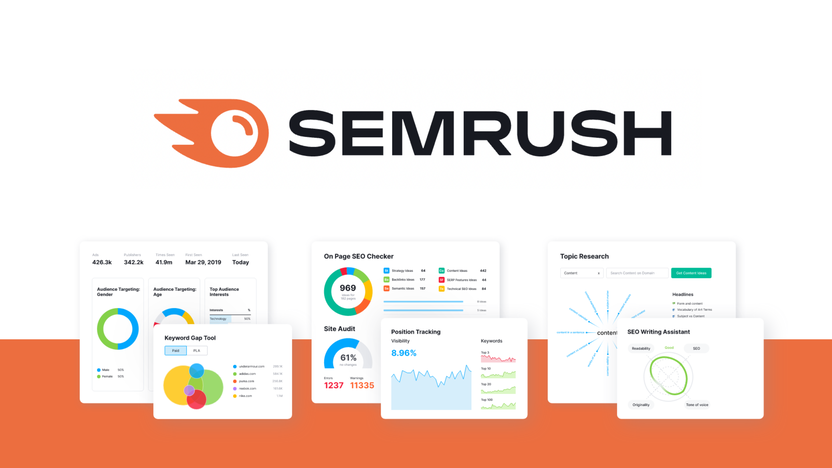
Semrush Content Toolkit helps entrepreneurs create, optimize, and repurpose content using SEO data and AI assistance. Semrush says the toolkit supports content visibility across Google, social media, and AI search platforms. (semrush.com)
Use it for SEO blogs, keyword-informed content, and content repurposing.
17. Surfer AI

Surfer AI helps create SEO-friendly articles using search intent, SERP analysis, NLP, machine learning, and generative AI models. (surferseo.com)
Use it when your business depends on Google traffic and long-form SEO content.
18. Mailchimp AI Tools
Mailchimp AI tools help businesses create campaigns, personalize marketing, and use customer data for better email communication. Mailchimp says Intuit Assist supports marketing tasks such as insights and personalized content at scale. (mailchimp.com)
Use it for newsletters, customer reactivation, promotions, and email campaigns.
19. HubSpot Breeze
HubSpot Breeze is HubSpot’s AI layer for marketing, sales, service, and CRM workflows. HubSpot says Breeze helps users complete tasks, create content, find information, and automate workflows inside HubSpot. (hubspot.com)
Use it for lead management, CRM workflows, customer service, and sales follow-up.
20. Zapier

Zapier helps entrepreneurs automate work between apps. Zapier says its platform connects thousands of integrations, and its AI workspace lets users describe automations conversationally. (zapier.com)
Use it to connect forms, Gmail, Sheets, CRMs, WhatsApp tools, email platforms, and task managers.
21. Make
Make is a visual automation platform for connecting apps, building workflows, and adding AI into business processes. Make describes itself as supporting AI automation and workflow control at scale. (make.com)
Use it for lead routing, reporting, CRM updates, customer follow-up, and operations automation.
22. Airtable AI
Airtable AI helps businesses build smarter databases, categorize information, summarize records, generate content, and automate structured workflows. Airtable describes AI as part of its platform for custom interfaces, automations, and operational apps. (airtable.com)
Use it for CRM systems, project trackers, content calendars, inventory systems, and customer databases.
23. Otter.ai
Otter.ai helps record, transcribe, summarize, and organize meetings. Otter says its assistant can join meetings, take notes, share action items, and provide searchable transcripts. (otter.ai)
Use it for client calls, interviews, team meetings, coaching sessions, and board discussions.
24. Fireflies.ai
Fireflies.ai is another AI meeting assistant for transcription, summaries, meeting search, and CRM-linked follow-up. Fireflies describes features for taking notes across major video platforms and querying meeting transcripts through its AI assistant. (fireflies.ai)
Use it for sales calls, discovery meetings, hiring interviews, and partnership discussions.
25. Hostinger AI Website Builder
Hostinger AI Website Builder helps entrepreneurs generate websites using prompts, then edit and launch them more quickly. Hostinger describes its AI website builder as a way to create websites or web apps without needing coding knowledge. (hostinger.com)
Use it for landing pages, business websites, portfolios, product pages, and simple online presence.
The Best Starter Stack for Cameroonian Entrepreneurs
Do not start with all 25 tools.
A practical beginner stack could be:
ChatGPT or Gemini for writing and planning.
Canva for design.
CapCut for video.
Notion or Airtable for organization.
Zapier or Make for automation.
Hostinger AI Website Builder for your website.
Mailchimp or HubSpot for customer follow-up.
This is enough to improve productivity without overwhelming your team.
AI Works Best When the Business Has a System
AI tools can help Cameroonian entrepreneurs save time, create better content, automate repetitive tasks, and compete more professionally.
But AI will not fix poor offers, weak customer service, unclear pricing, slow WhatsApp replies, inconsistent follow-up, or bad recordkeeping.
Start with one business bottleneck. Choose one AI tool that solves it. Build a simple workflow. Train your team. Measure the result. Then add another tool only when the first one is working.
The entrepreneurs who win with AI will not be the ones collecting the most apps. They will be the ones using the right tools to build faster, clearer, more reliable business systems.